How to Choose the Best CPU and Monitor Combo for Your PC in 2025? The Complete Guide for Gamers and Professionals
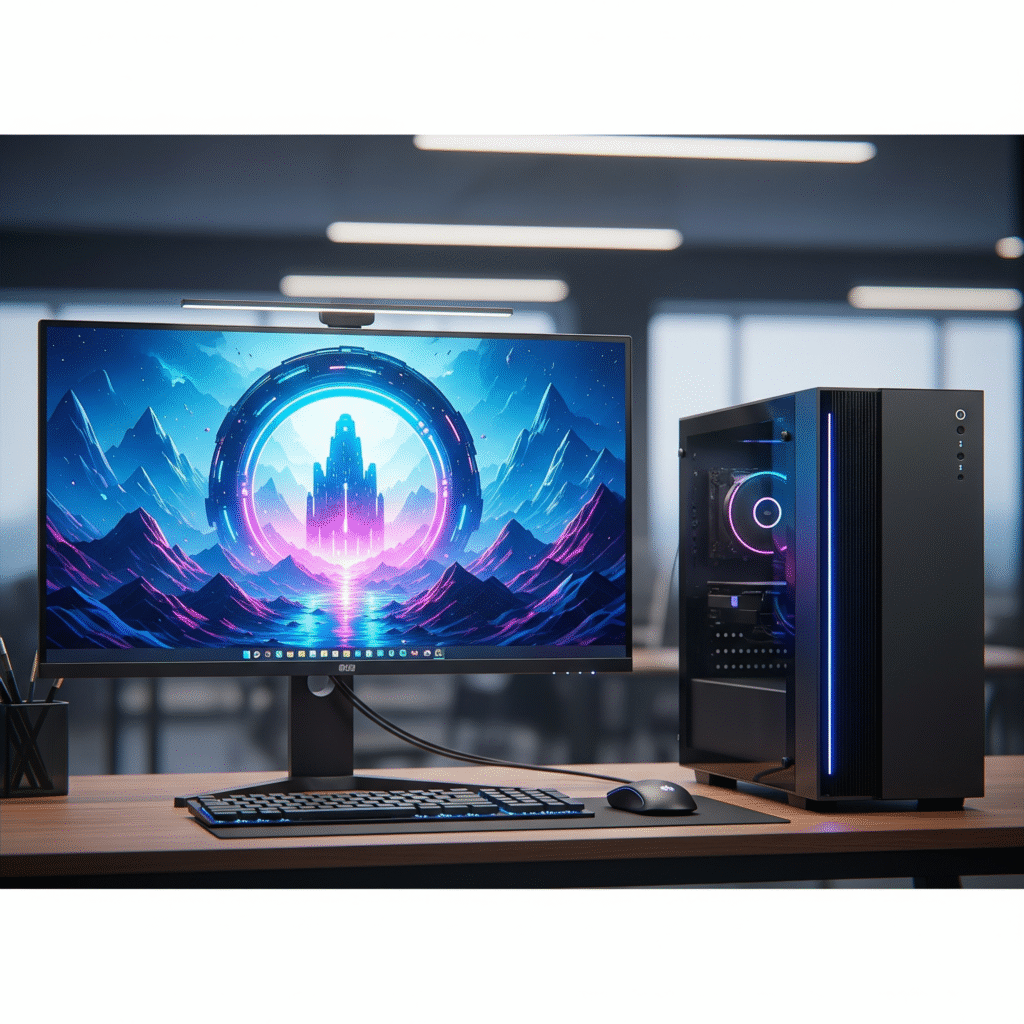
How to Choose the Best CPU and Monitor Combo for Your PC in 2025? The Complete Guide for Gamers and Professionals
When buying a computer, people often focus only on RAM and storage, but the two most important parts of a PC are the CPU (Central Processing Unit) and the monitor. The CPU is the brain of the PC that does all the work, and the monitor is the eyes of the PC that shows you the work. If the two are not in perfect sync, your PC will not be able to work to its full potential.
This guide will tell you how to choose the best CPU and monitor combo for your PC as per your needs in 2025, whether you are a gamer or a professional.
CPU: The Brain of the PC
Before choosing a CPU, it is important to understand how it works. The performance of any CPU depends on these three things:
- Cores and Threads: In simple terms, cores are small processors working inside the CPU. More cores means the CPU can do more work simultaneously. Threads also help in handling work in a similar way.
- Clock Speed (GHz): This tells how fast the CPU can work. High clock speed is very important for gaming and single-tasking.
- Cache Memory: This is a very fast memory that helps the CPU to quickly access frequently used data, thereby improving overall performance.
Monitor: The eyes of the PC
A good monitor is needed to see the CPU working properly. Keep these things in mind while choosing a monitor:
- Resolution: This is the number of pixels visible on the screen.
- Full HD (1080p): Good for general work and gaming.
- QHD (1440p): Clearer and more detailed than FHD, great for both gamers and professionals.
- 4K (Ultra HD): The sharpest picture, best for video editing and graphic design.
- Refresh Rate: This tells how many times the screen refreshes in 1 second. Higher refresh rates make the picture look smoother.
- 60Hz: Good for general work.
- 144Hz or higher: Very important for gaming, as it gives smooth and fluid gameplay.
Panel Type:
- IPS: Shows the best and accurate colors, so graphic designers prefer it.
- TN: Gives the fastest response time, which is important for gamers.
- VA: This is in between IPS and TN, giving good colors and better contrast.
The best combo for your needs
Now, learn how to choose the right combo for your needs.
- Best combo for gamers
If you are a gaming enthusiast, then your focus should be on high FPS (frames per second) and smooth gameplay.
- CPU: You need a CPU that has enough cores for multitasking and also has a high clock speed.
- Recommended: Intel Core i5 or i7 (K or KF series) or AMD Ryzen 5 or 7 (X series). These CPUs offer the best performance for gaming.
Monitor:
- Refresh Rate: 144Hz or higher.
Resolution: 1080p (Full HD) or 1440p (QHD).
- Panel: TN or IPS, depending on your budget and preference.
- Example: An Intel Core i5-14600K with a 144Hz FHD monitor is a great gaming setup.
- Best combo for professionals (video editing, graphic design)
If you do work like video editing, 3D modeling, or graphic design, then your focus should be on more cores, threads, and accurate colors.
- CPU: You need a CPU that can handle multiple heavy tasks at once.
Recommended: Intel Core i7 or i9, or AMD Ryzen 7 or 9. These CPUs are fast at video rendering and complex tasks.
Monitor:
- Resolution: 4K (Ultra HD) or QHD.
- Panel: IPS panel, which displays the most accurate colors.
- Refresh Rate: A refresh rate of 60Hz to 75Hz is also sufficient, as your work does not require a fast refresh.
- Example: An AMD Ryzen 7 8700G with a 4K resolution IPS monitor will make your work extremely easy.
Conclusion
Choosing the right CPU and monitor can completely change your PC experience. It is not just about buying hardware, but it is about understanding your needs and choosing the right combo accordingly. By keeping your budget and work in mind, you can create a setup that will give you great performance for years.